Overview
Mighty Mage is a fast-paced 2D action survival game built in Unity where players control a powerful mage fending off endless waves of enemies. The game features a diverse arsenal of magical weapons—each with unique targeting behaviors—and a dynamic upgrade system that allows players to customize their build between rounds. The project emphasizes clean architecture, performance optimization, and data-driven design patterns commonly used in professional game development.
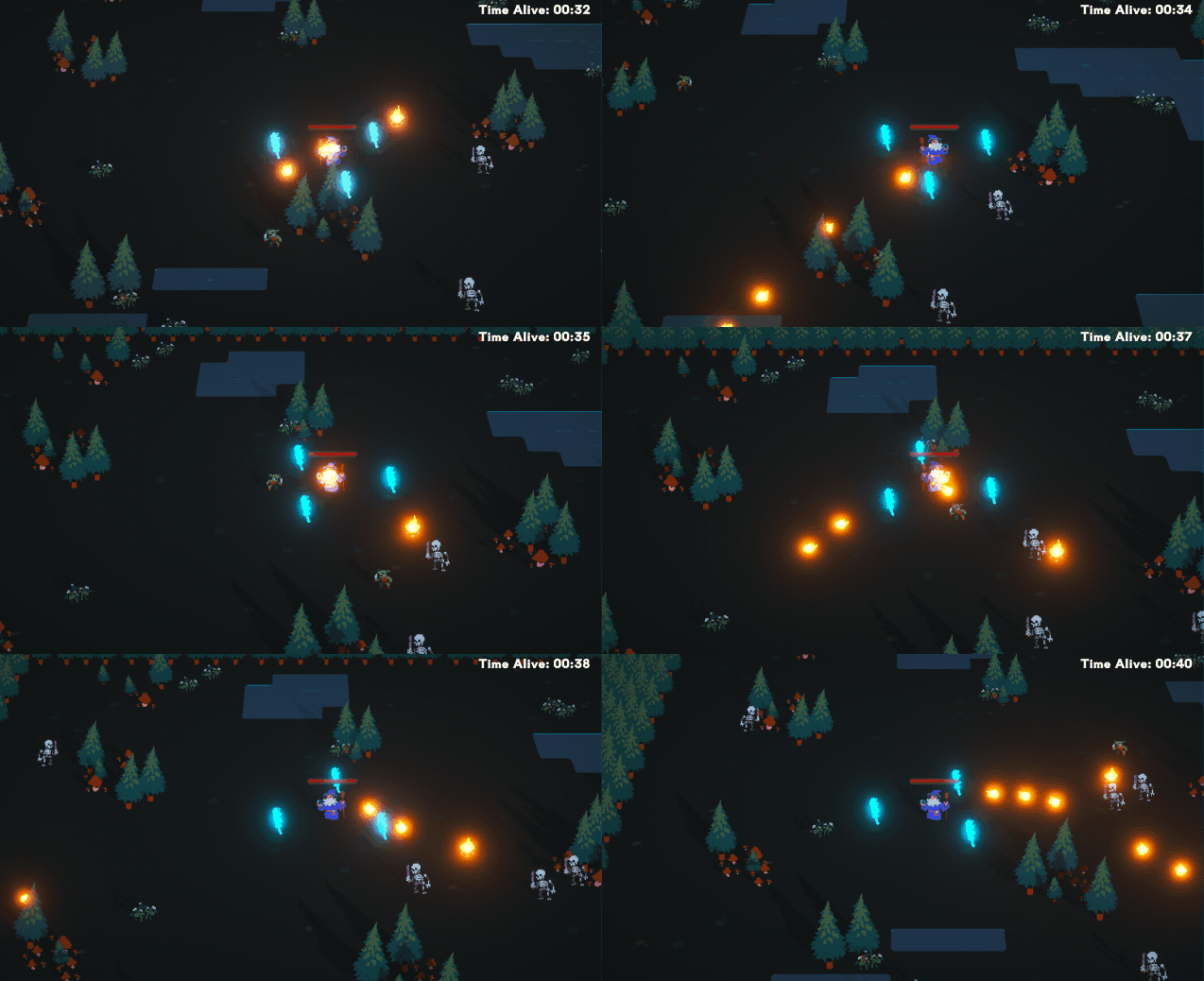
Figure 1: Mighty Mage gameplay
Notable Features
Data-Driven Weapon System
All weapons are defined using Unity’s ScriptableObject system, separating data from behavior. Each WeaponData asset contains targeting type, damage, fire rate, projectile speed, and type-specific parameters (orbit radius, bounce count, etc.). This allows new weapons to be created and balanced entirely in the Unity Editor without modifying code.
At runtime, a WeaponBaseStats wrapper class maintains per-weapon upgrade modifiers while keeping the original ScriptableObject immutable. Stats are calculated using the formula base * (1 + percentMod/100) + flatMod, supporting both percentage and flat stat modifications.
Object Pooling for Zero-Allocation Gameplay
To maintain consistent frame times, the game uses a custom GameObjectPool system built on Unity’s ObjectPool<T>. Both projectiles and enemies are pre-allocated during loading, eliminating runtime heap allocations that would trigger garbage collection spikes.
// Pre-warm during load - all allocations happen herem_projectilePool.Preallocate(20);
// During gameplay - zero allocationsGameObject projectile = m_pool.Get();   // Reuses existing objectm_pool.Return(projectile);              // Disables, doesn't destroy
A separate SoundPool singleton handles audio playback using the same pattern, allowing dozens of overlapping sound effects without instantiation overhead.
Dynamic Upgrade Selection
The upgrade system uses LINQ queries to filter available upgrades based on weapon compatibility. Each UpgradeData ScriptableObject specifies which weapon types it can apply to, enabling weapon-specific upgrades (e.g., “Increase Bounce Count” only appears for chain weapons).
The UI is built entirely with Unity UI Toolkit, using USS stylesheets for styling and C# for dynamic button generation. Buttons are created programmatically based on the filtered upgrade list, with hover animations handled through USS transitions.
Retrospective
This project was my deep dive into building gameplay systems with scalability and performance in mind. While prototyping is often about getting things working quickly, I intentionally focused on patterns that would scale to a larger project. That said, there are several areas I would improve upon if given more time:
- Implement a proper state machine for game flow instead of enum-based state checking in
GameManager. - Add a weapon-specific upgrade binding system using unique IDs rather than relying on weapon type matching.
- Create a “janitor” coroutine to clean up orphaned pool objects and prevent edge-case memory leaks.
- Build an analytics system to track weapon/upgrade popularity for better balancing.
- Add unit tests for the stat calculation and upgrade filtering logic.